
Answers to Graphic Design FAQ: Your Guide to Visual Success

Graphic design can seem complex at first. But it doesn’t have to be. I’m here to answer your most common questions clearly and simply. Whether you want to create eye-catching flyers, logos, or social media posts, this guide will help you understand the basics and make smart design choices.
What You Need to Know About Graphic Design FAQ
If you’re new to graphic design or looking to improve your visuals, you probably have many questions. That’s why I’ve gathered the most important answers in one place. From choosing the right colors to understanding file formats, I’ll cover it all.
You can also check out this graphic design frequently asked questions page for more details and examples.
Graphic design is about communication. It’s not just about making things look pretty. It’s about sending the right message to your audience. Good design grabs attention, builds trust, and encourages action.
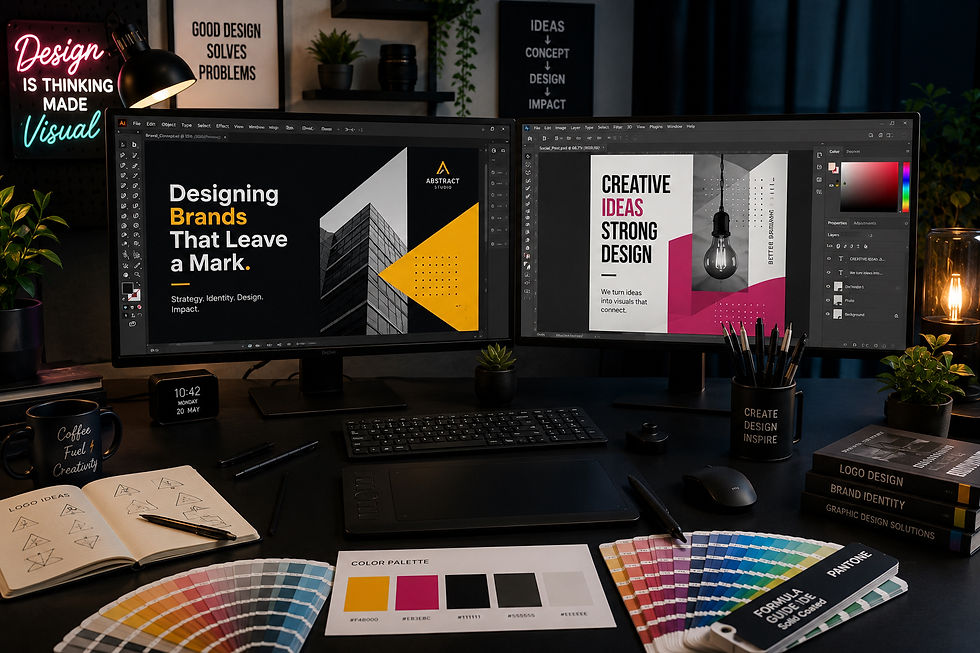
How Do I Choose the Right Colors for My Design?
Colors affect how people feel and react. Choosing the right colors is key to making your design work. Here’s how to pick them:
Know your brand personality: Is it fun and playful or serious and professional? Bright colors like red and yellow feel energetic. Blues and greens feel calm and trustworthy.
Use color psychology: Different colors evoke different emotions. For example, red can create urgency, while blue builds trust.
Limit your palette: Stick to 2-3 main colors. Too many colors can confuse viewers.
Check contrast: Make sure text stands out from the background. High contrast improves readability.
Test on different devices: Colors can look different on screens and print. Always preview your design.
Try free tools like Adobe Color or Coolors to create palettes easily.
What are the 5 Golden Rules of Graphic Design?
Following these rules will help you create clean, effective designs every time:
Balance - Distribute elements evenly. Use symmetrical or asymmetrical balance to create harmony.
Contrast - Use differences in color, size, and shape to highlight important parts.
Alignment - Keep elements lined up. This creates order and makes your design easier to follow.
Repetition - Repeat colors, fonts, or shapes to create unity and consistency.
Proximity - Group related items together. This helps viewers understand the message quickly.
Applying these rules makes your design look professional and polished.
What File Formats Should I Use for My Designs?
Choosing the right file format depends on how you plan to use your design. Here are the most common types:
JPEG: Best for photos and images with many colors. It compresses files but can lose quality.
PNG: Great for images with transparency or sharp edges like logos.
PDF: Ideal for printing. It preserves quality and layout.
SVG: Perfect for logos and icons that need to scale without losing quality.
TIFF: Used for high-quality print images but results in large files.
Always ask your printer or platform what format they prefer. Save your original design files (like PSD or AI) so you can edit later.

How Can I Make My Design Stand Out?
Standing out means being memorable and clear. Here are some tips:
Keep it simple: Avoid clutter. Use white space to let your design breathe.
Use bold typography: Choose fonts that match your message and are easy to read.
Add unique elements: Custom illustrations or photos make your design original.
Focus on your message: Make sure your main point is clear at first glance.
Use high-quality images: Blurry or pixelated images hurt your credibility.
Try to think like your audience. What would catch your eye? What would make you stop and look?
Where Can I Get Affordable Custom Graphic Design?
Finding affordable, quality design can be tough. Here’s what to look for:
Local studios: They understand your community and can offer personalized service.
Clear pricing: Avoid surprises by asking for quotes upfront.
Easy ordering: Look for studios with simple processes and quick turnaround.
Portfolio: Check past work to see if their style fits your needs.
Customer reviews: See what others say about their experience.
If you’re in Richmond, VA, Maizels Designz offers custom promotional items and visual materials. They focus on quality, affordability, and making the process easy for you.
Ready to Start Your Design Project?
Now that you have answers to common questions, you’re better prepared to create or order your next design. Remember, good design is a powerful tool for your business or event. It helps you connect with your audience and stand out from the crowd.
If you want more tips or need help with your project, don’t hesitate to reach out. Great design is just a call or click away.
Explore more about graphic design frequently asked questions and get inspired today!

Comments